POS
InventoryComing Soon
Floor Depleted Alerts
Floor-depleted inventory alerts in the Backoffice notify you when a product's sales-floor inventory needs to be replenished from backstock, preventing lost revenue and keeping the product available on online menus.
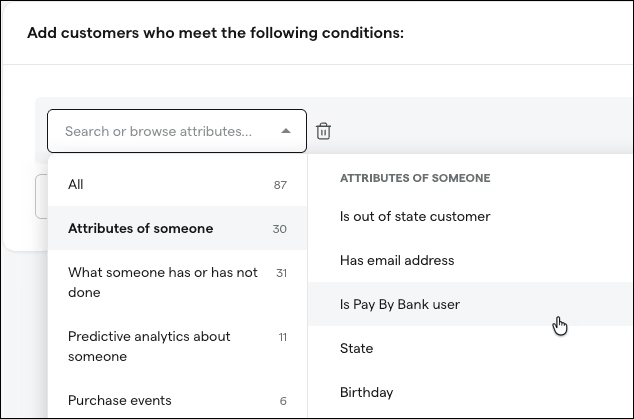
Keyword Search in Segments Builder
Building customer segments just got faster. Instead of scrolling through long lists of attributes, you can now type a keyword to instantly find and select the attribute you need, saving time and making targeted marketing campaigns easier to set up.
ManufacturingBack Office
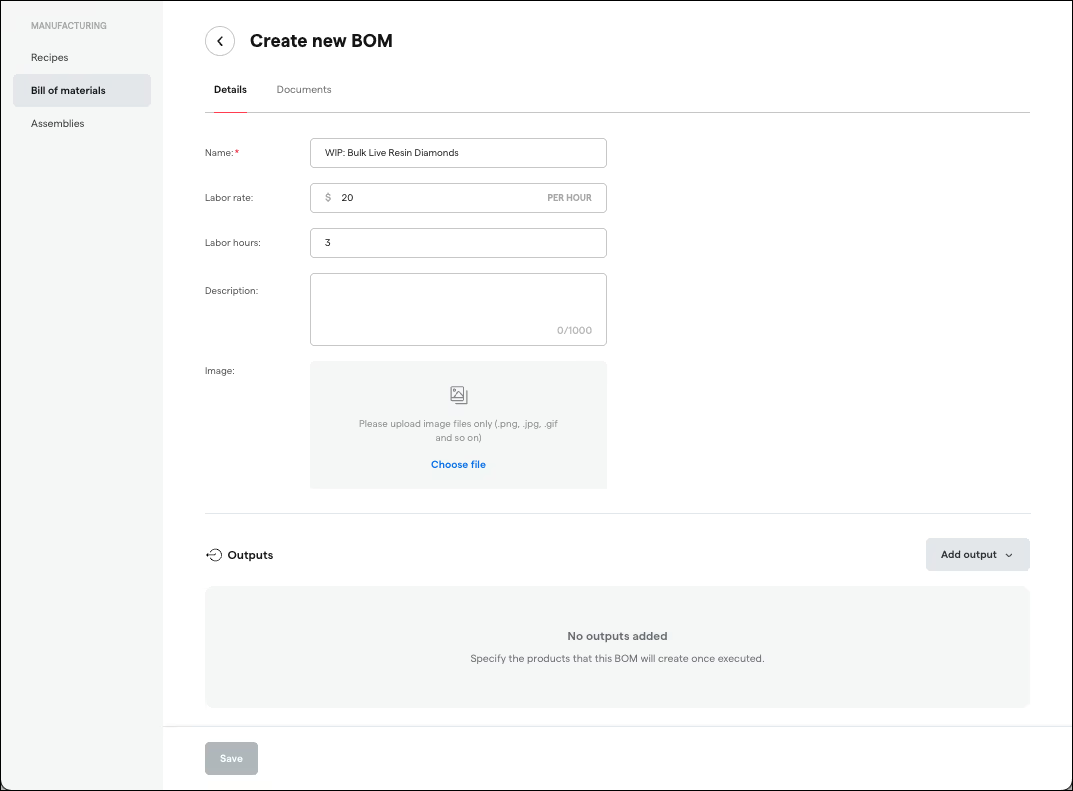
BOM Import & Export (Manufacturing)
Manage your manufacturing formulas in bulk. You can now import Bills of Materials from CSV or Excel files and export them back out, eliminating the need to create each BOM manually and making it easy to back up, share, or migrate your manufacturing data.
CatalogBack Office
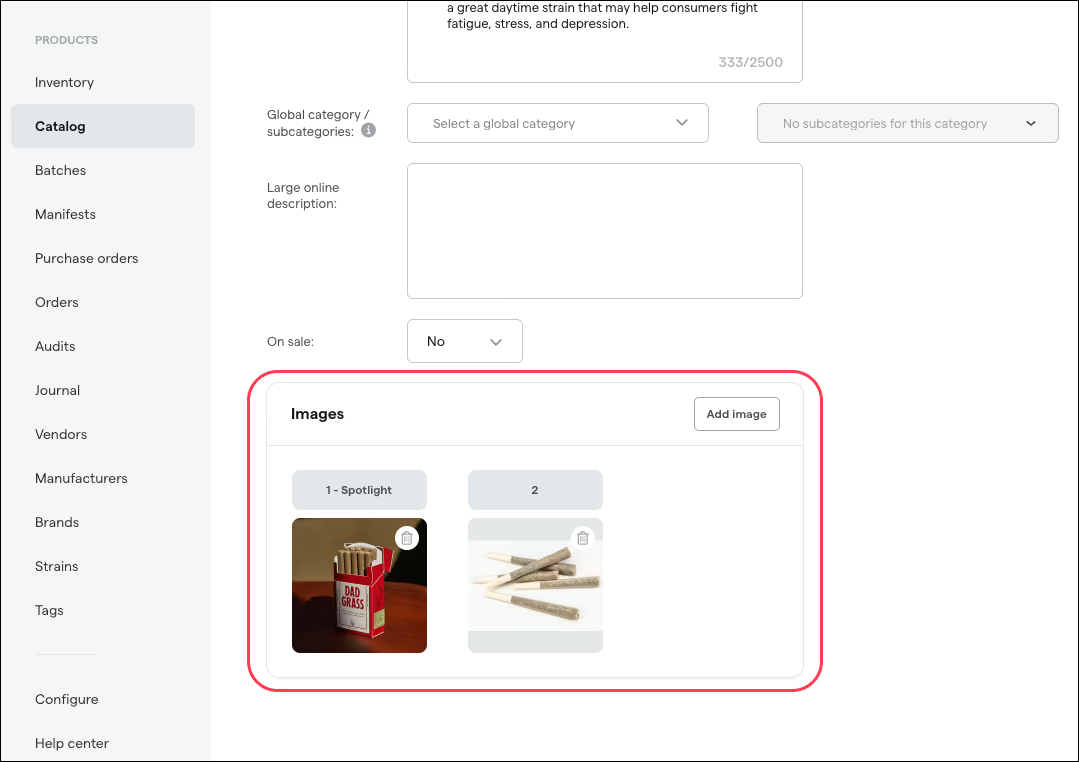
Rearrange Product Images in Catalog
Take control of how your products look to customers. You can now drag and reorder product images in the back office catalog to choose which photo appears first on your menu. No more deleting and re-uploading to get the right hero image.
E-Commerce
E-CommerceMerchandising
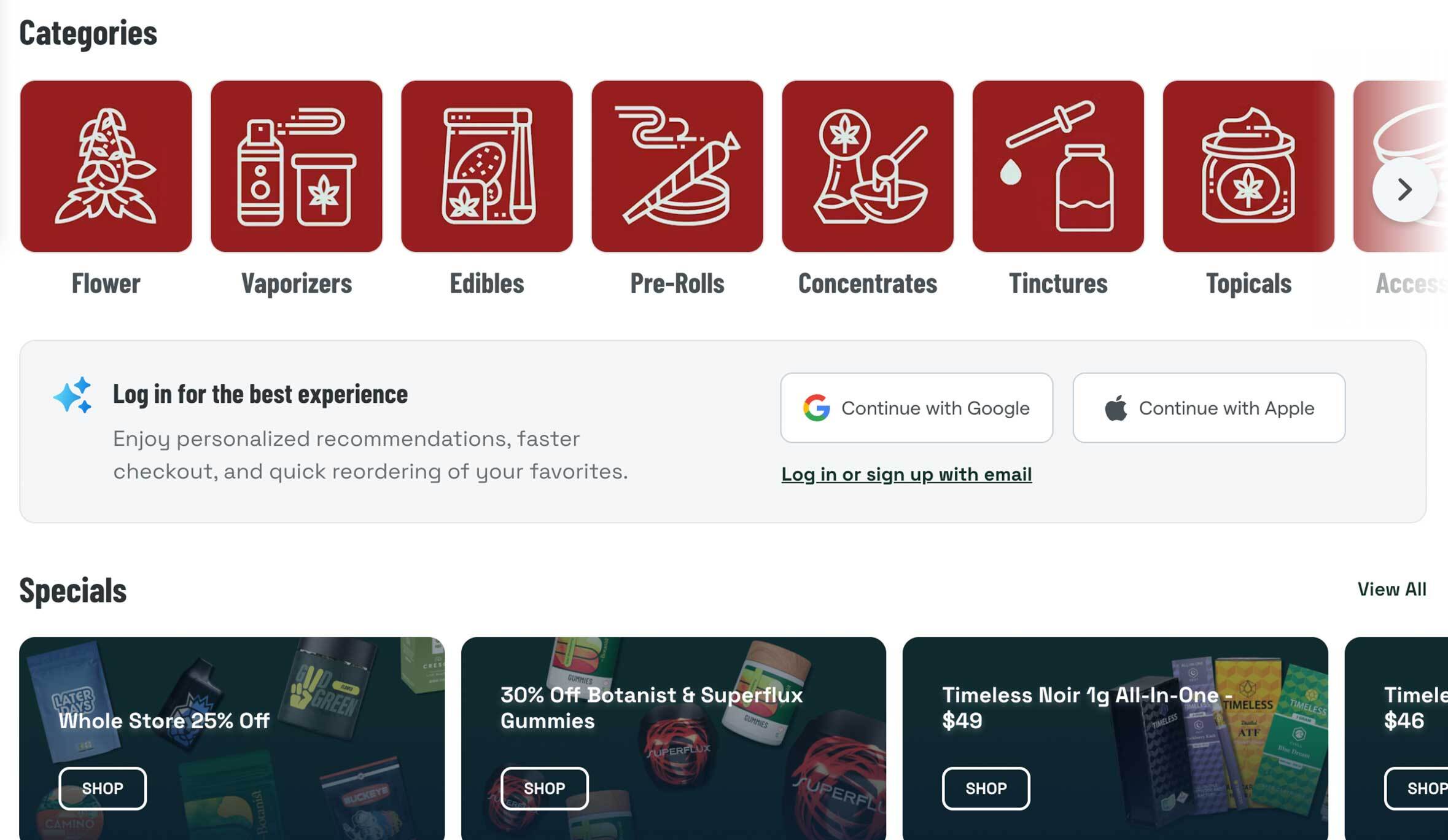
Specials Page Redesign
A refreshed specials page with category filtering, redesigned specials cards, and a cleaner layout, making it easier for shoppers to find and take advantage of your deals.
ComplianceFlorida
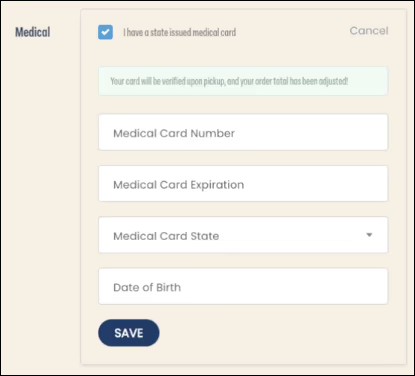
MMUR FL Allotment on E-Commerce Customer Profiles
For Florida medical dispensaries, patient allotment data from the MMUR registry now appears directly on e-commerce customer profiles. Your staff can see a patient's remaining purchase allotment before processing an order, reducing compliance risk and eliminating the need to cross-reference external systems.
Loyalty & Marketing
Loyalty
Loyalty: Expire Points
Set points to automatically expire after a configurable number of days, giving you control over loyalty liability and encouraging customers to redeem sooner.
LoyaltyMarketing
Loyalty Widget in Emails
Your loyalty widget now renders dynamically inside marketing emails, unifying the e-commerce and digital marketing experience so customers can see their points balance and rewards without leaving their inbox.
MarketingCampaigns
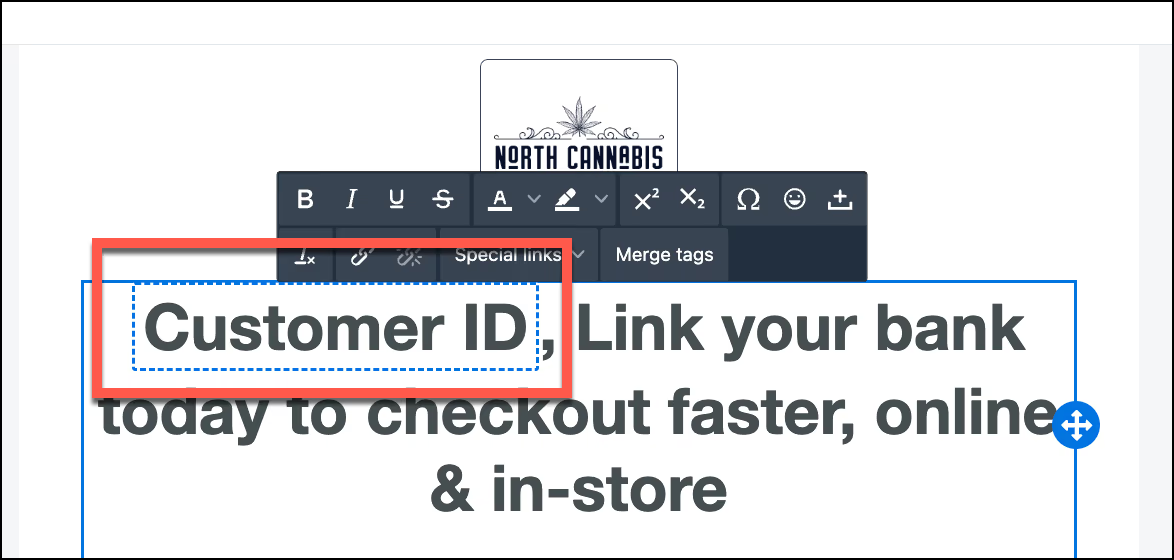
"Customer ID" Merge Tag in Campaign Editor
Personalize your email campaigns even further with a new Customer ID merge tag. Drop it into any email template to dynamically insert each recipient's unique ID, perfect for loyalty integrations, tracking links, and CRM-connected workflows.
DiscountsPromotions
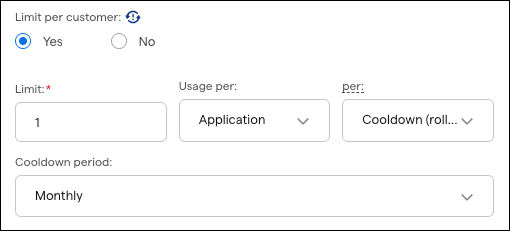
Time-Based Discount Limits
Go beyond a single lifetime cap on discounts. In the discount wizard you can now set a Cooldown limit, where a customer waits a set period between redemptions (once every 72 hours, weekly, or a custom window), or a Refresh limit, where their redemption count resets on a fixed schedule (every Monday, the 1st of the month, or quarterly). New Application and Transaction options control whether a limit counts each time a discount applies or each order it is used on, so you can run recurring promotions like "10% off once a week" or a welcome bonus good on a customer's first few orders. Existing discounts are unchanged and default to a Lifetime, per-application limit.
Customer Story
Case StudyThe Botanist
See How The Botanist Grew New Online Customers 49% on E-Commerce Pro
Learn how The Botanist rebuilt their dispensary e-commerce on Dutchie E-Commerce Pro, growing new-customer acquisition, organic visibility, and transactions.
49%
Increase in new online customers
44%
Increase in average non-brand ranking
24%
Increase in transactions