


Co-marketing toolkit
Everything you need to position Dutchie’s cashless checkout experience to your customers. Download ready-to-use assets and copy to promote Pay by Bank across your online menu, email, social, and in store.
Already set up? Great. For getting-started and setup steps, check out our Help Center.
For dispensaries already offering Pay by Bank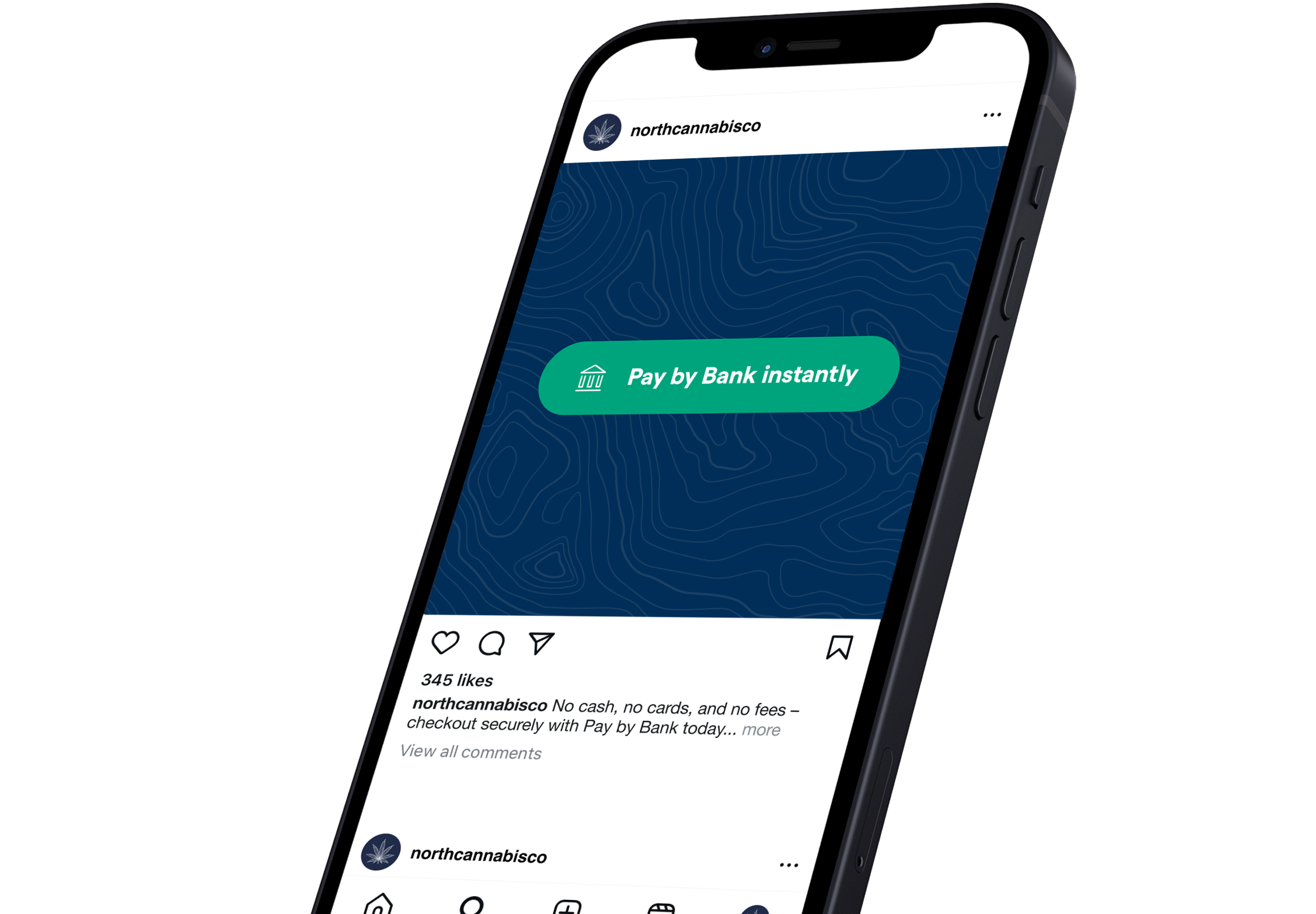
Promote Pay by Bank at your dispensary
Download the assets package to start using the Pay by Bank logo and buttons in your marketing materials — available as SVG, PNG, and EPS for web and print.
01 Promote Pay by Bank online
Get the word out about offering Pay by Bank across your digital channels.
Ecommerce menu
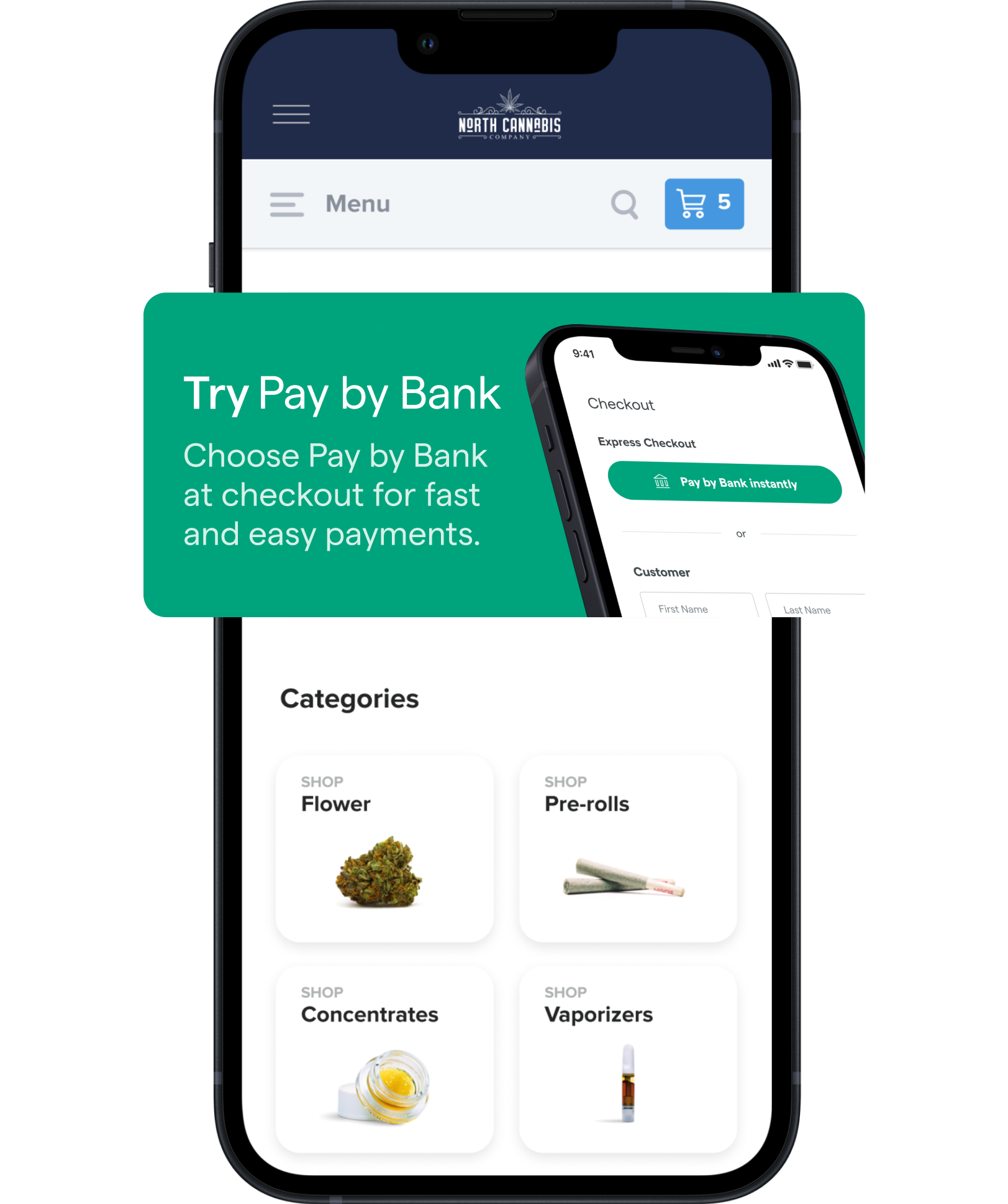
Your Dutchie Ecommerce menu is prime real estate for communicating specials, discounts, promotions, and of course — the payment methods you accept. Use your Ecommerce menu banner to announce that Pay by Bank is available at your dispensary.
Download banners ↓ ZIP · desktop + mobile · 0.8 MB- Log into your Dutchie Ecommerce Admin portal and select Customize from the left-side navigation bar, then select Image Banner.
- Click the + button to add your image banner. Upload both a Desktop and a Mobile banner from the download above.
- Optionally insert a link for your image banner and add Image Alt Text — which can benefit your SEO ranking if you’ve set up a subdomain menu.
- Click Save, review your image banners, and click Publish to display them. Note: image banners only appear on your domain, not on Dutchie.com.
Email marketing
Spread the word and drive sign-ups with a dedicated Pay by Bank announcement email. Use this template as-is, or customize it to match your dispensary’s feel.
1 — Shop our online menu and add your favorites to your cart.
2 — Select Pay by Bank at checkout.
3 — Register to connect your bank account — a quick and secure one-time process.
That’s it. No cash, no cards, no hassle — just convenient, one-click payments. Sign up today.
Email banners. Include banners in your email newsletters to continuously remind customers that Pay by Bank is available.
Download banners ↓ ZIP · 600×80/160/336 · 0.2 MB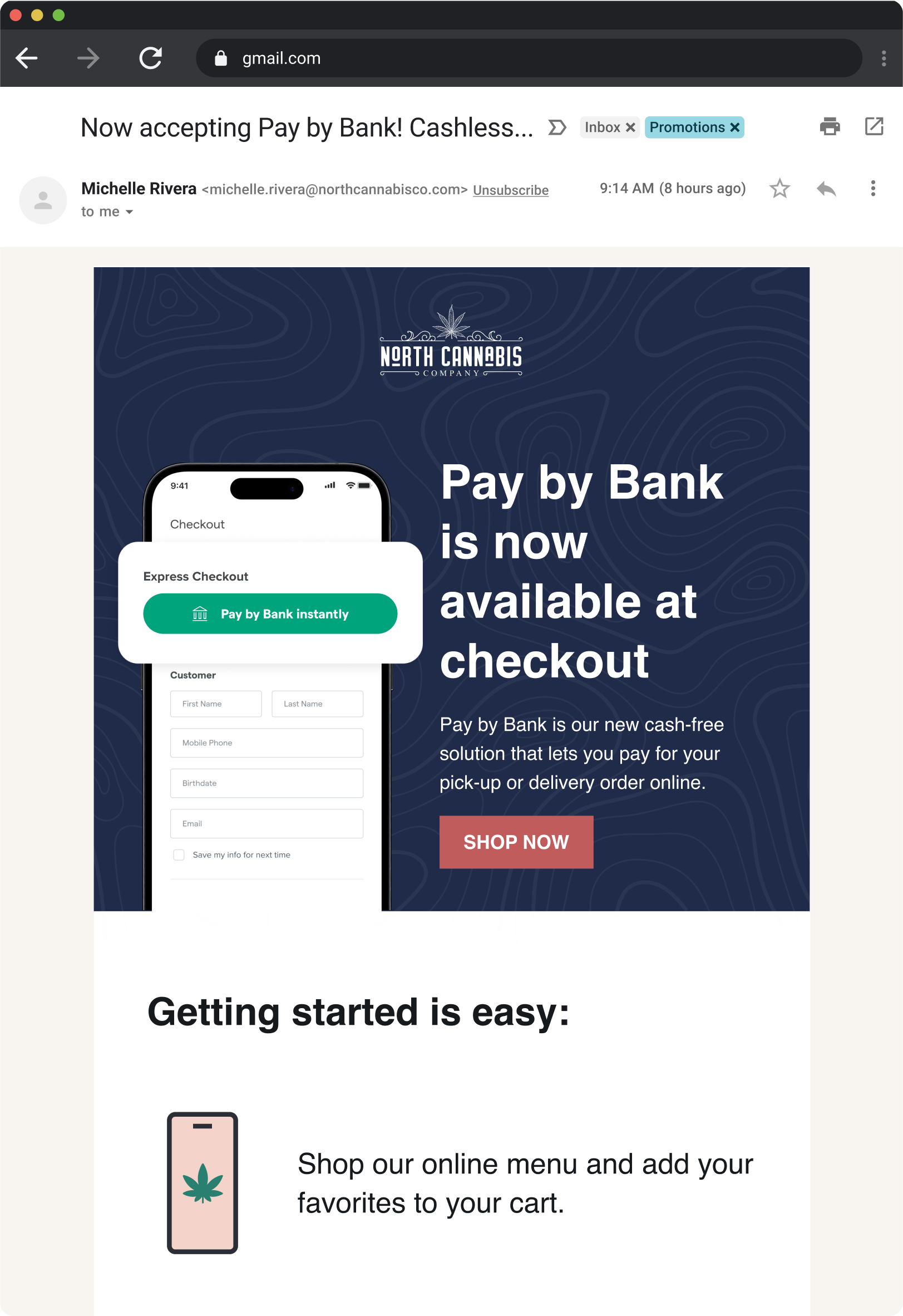
Social media marketing
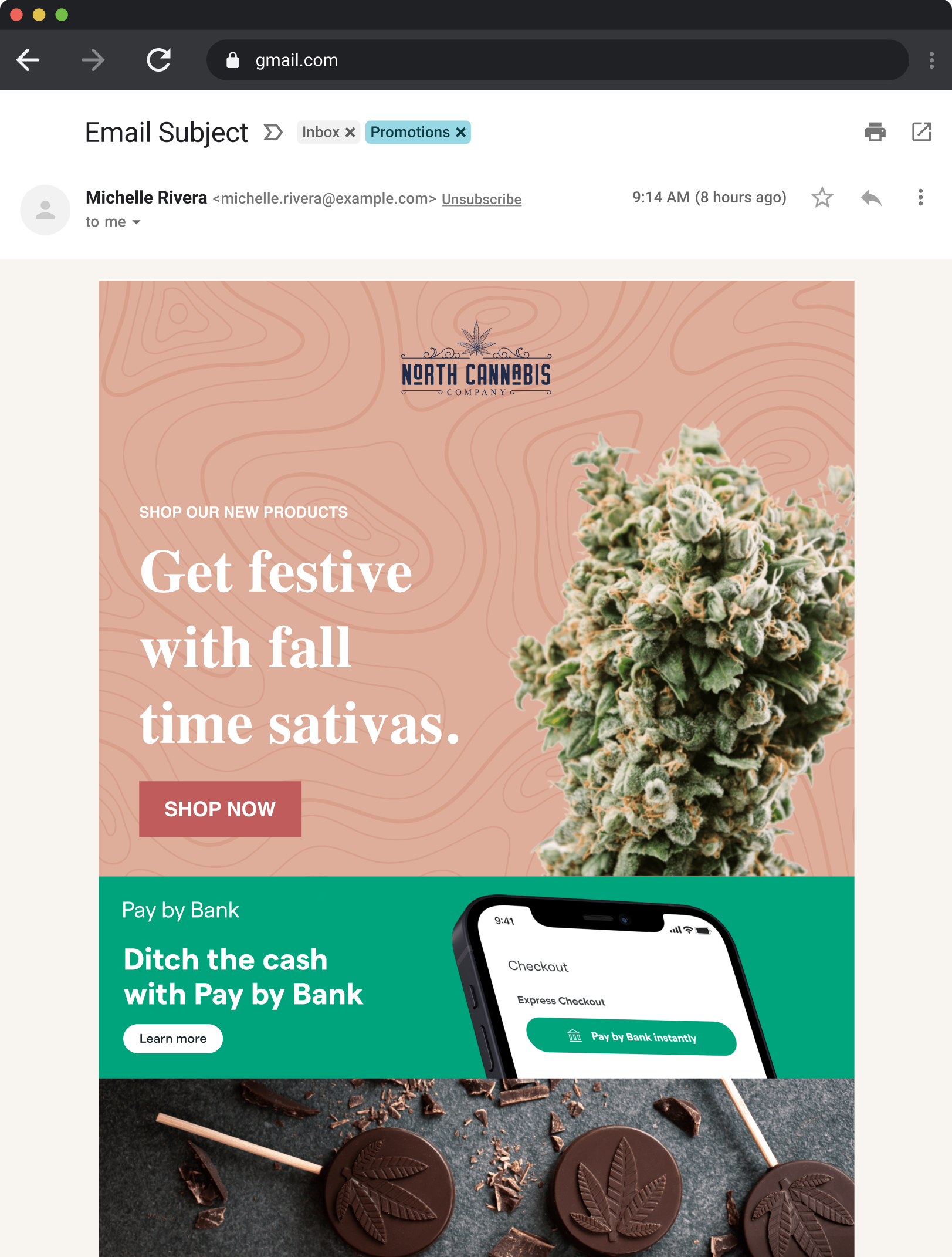
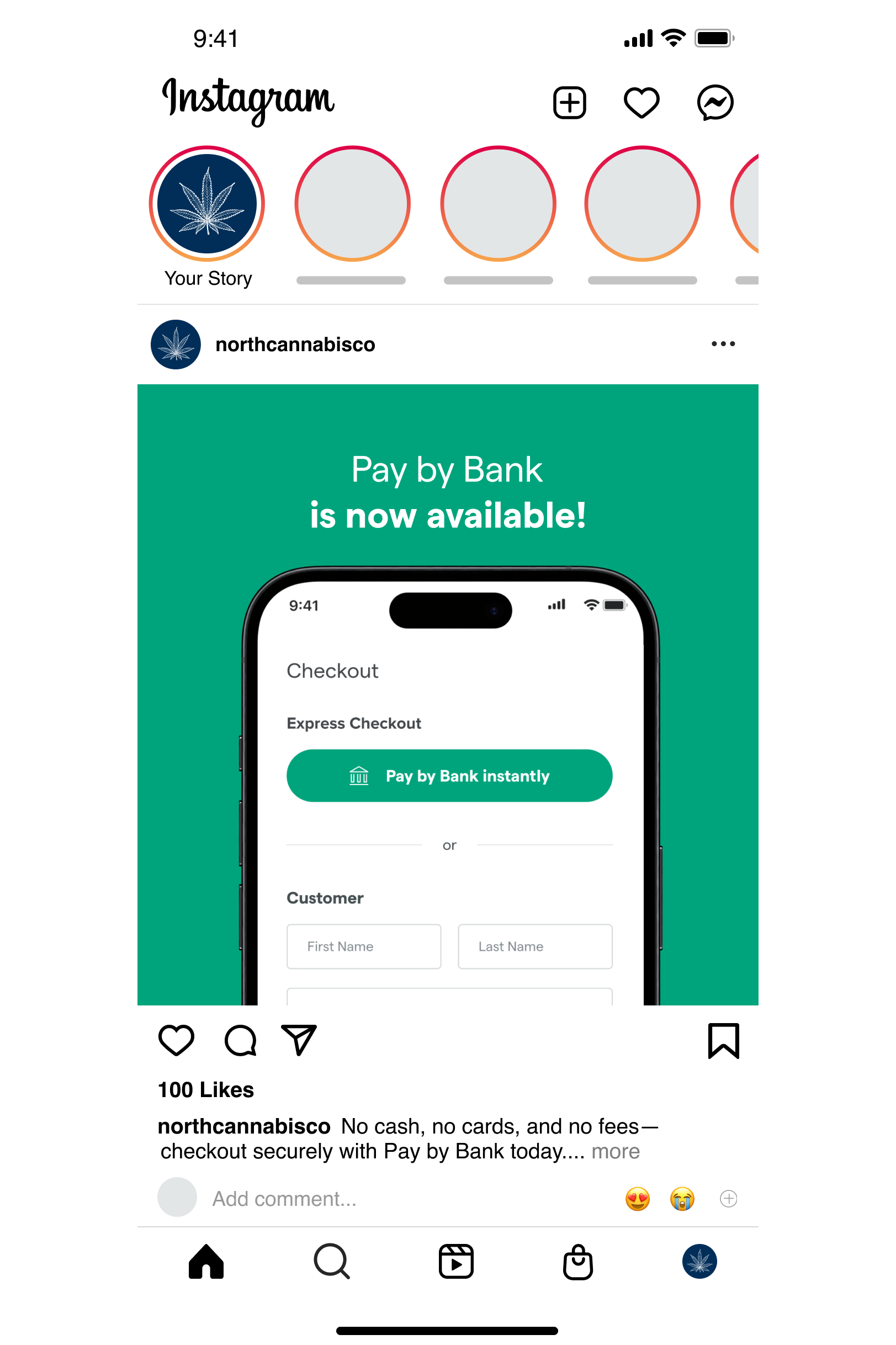
On Instagram, X, or Facebook? Promote the availability of Pay by Bank on your social channels. To improve engagement, try one of these Pay by Bank visual assets.
Download assets ↓ ZIP · 1080×1080 + 1080×1350 · 0.9 MBWhen it comes to social, don’t forget:
- Focus on the shopper benefits — Simple: no cash or cards required. Secure: safely connects with 12k+ banks across the US with built-in privacy measures.
- Consider where your customers are most active — X, Facebook, or Instagram — and be strategic about where you announce.
- Encourage your customers to share on their own social channels.
02 Promote Pay by Bank in store
Let customers know you now offer Pay by Bank in store. Download and print these assets to promote it inside your dispensary.
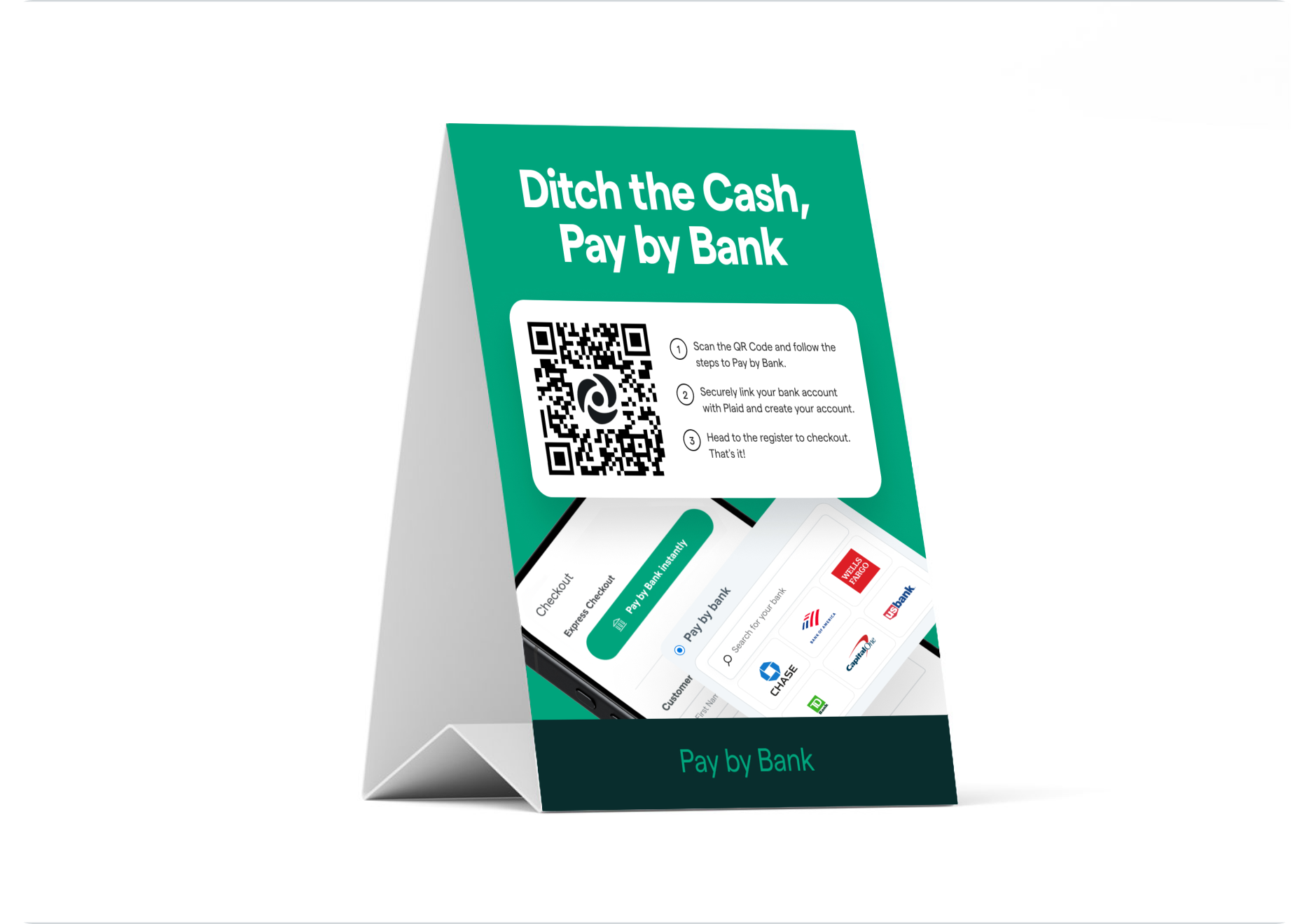
Table tent & in-store print
Let customers know you accept Pay by Bank and give them a quick introduction to how it works — and how to sign up. Print-ready PDFs included.
Download assets ↓ ZIP · print PDF · 8 MBPlace these where customers will see them while they’re still shopping — before they reach checkout — so Pay by Bank is top of mind when they decide how to pay.
03 Talk to customers about Pay by Bank
Customers who pay with Pay by Bank spend on average 25% more per order. The more your customers know, the more they’ll use it.
Quick pitch
Hit the highlights:
- Convenient: no more need for cash or cards.
- Accessible: Pay by Bank integrates with 95% of US banks.
- Safe: Dutchie will never share customers’ financial information.
Where can shoppers learn more? Point them to the consumer landing page →
04 Brand guidelines
Use the Pay by Bank logo in your marketing materials only when promoting Pay by Bank as a payment option.
Artwork
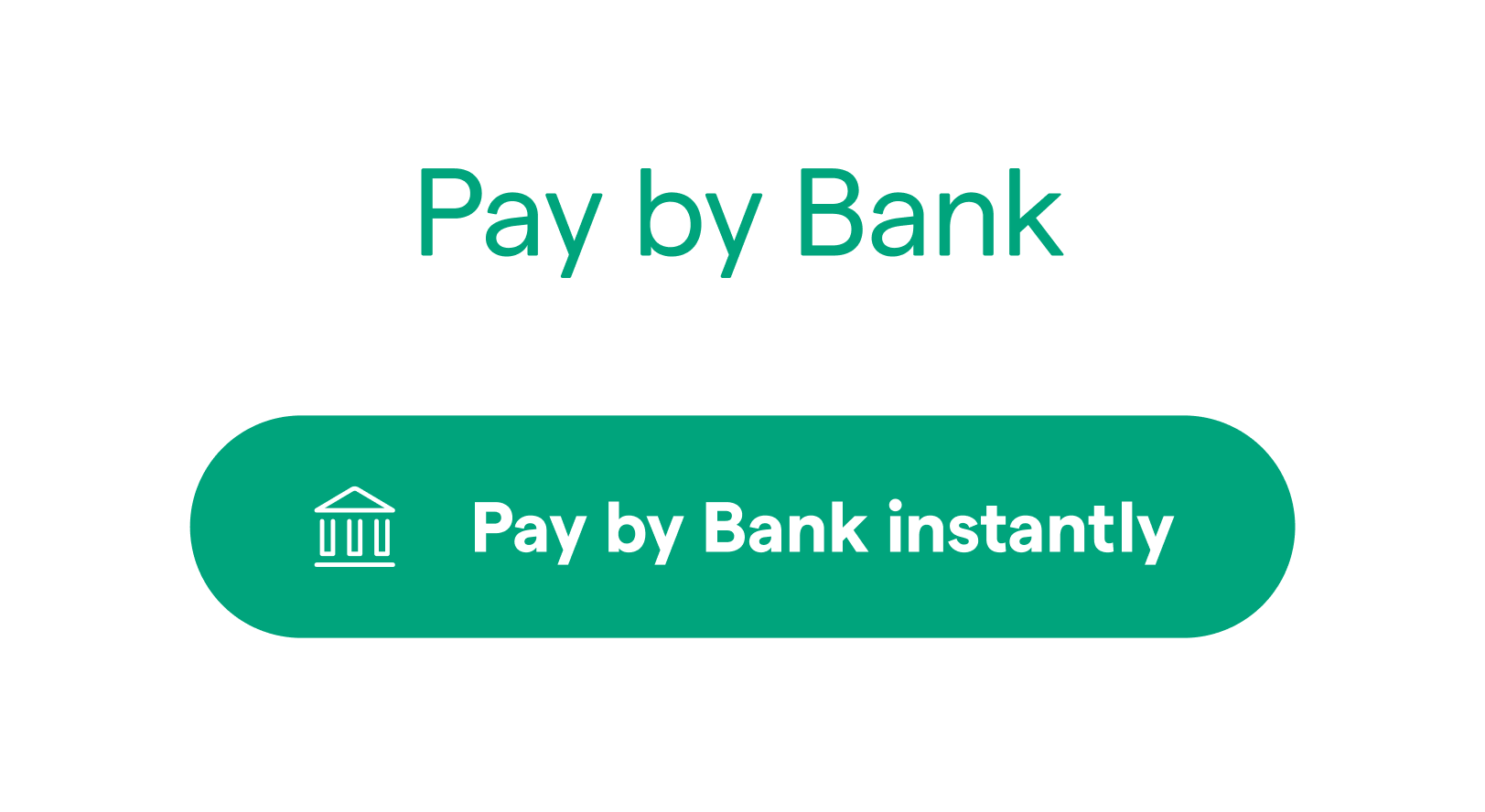
The Pay by Bank branding is available as a wordmark and button, in white and Pay by Bank green. Do not create your own version of the logo or modify it in any way — use only the artwork provided by Dutchie.
Color
Pay by Bank green is the primary brand color.
#00A47C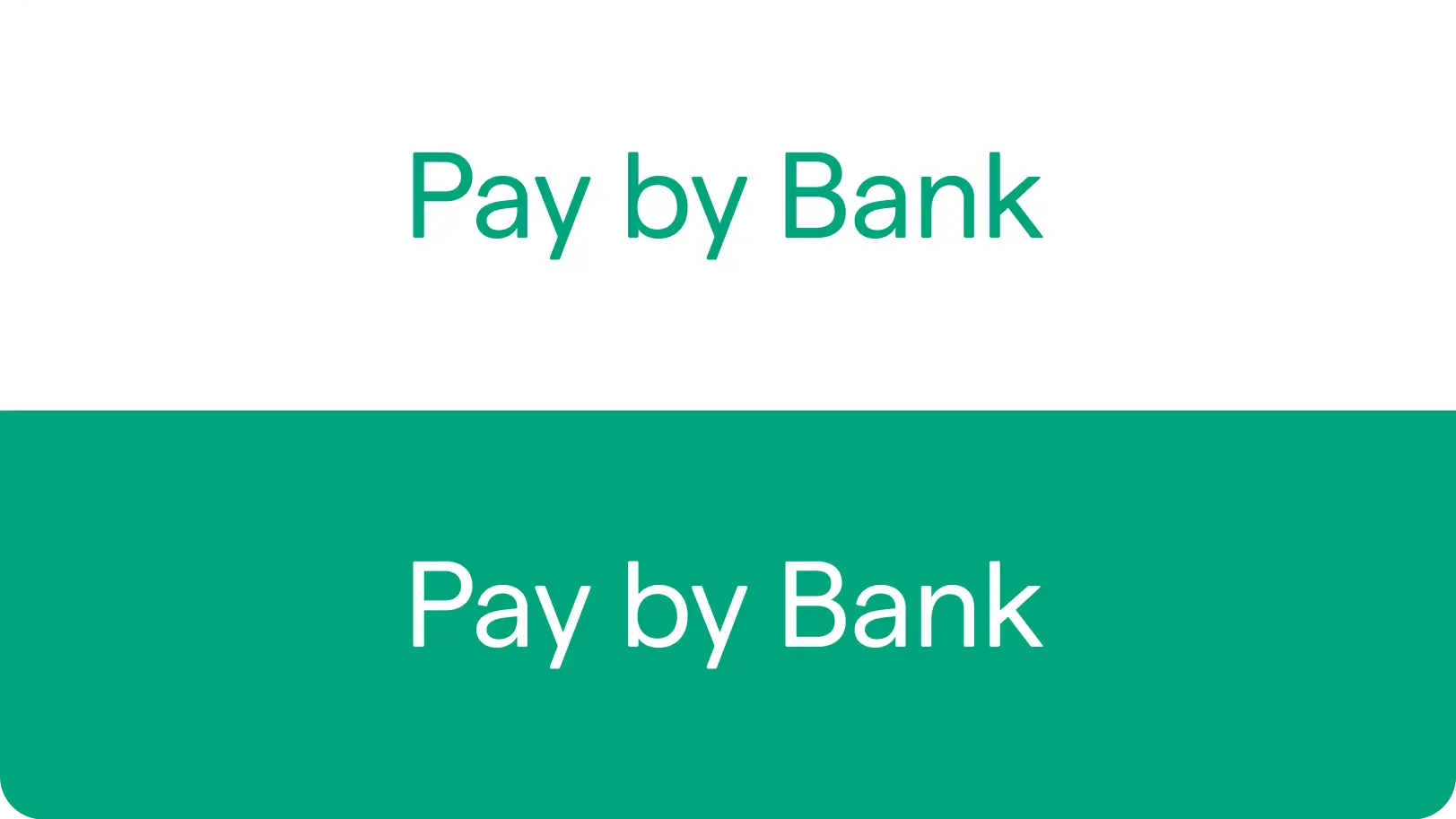
Clear space
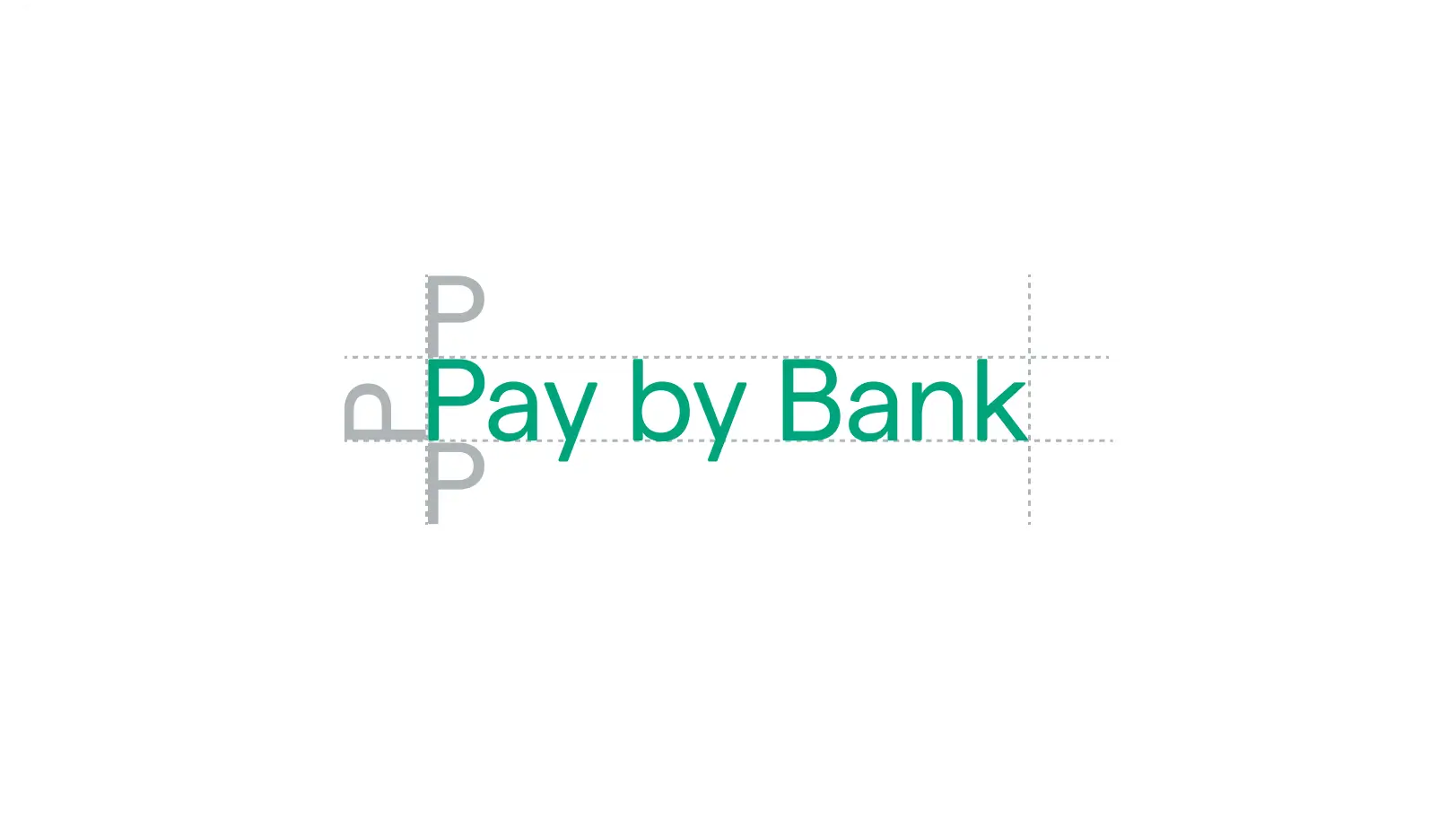
A minimum area of clear space must always surround the logo. This isolation lets the logo stand out by keeping copy, graphics, and other visual elements clear of it.
Minimum size
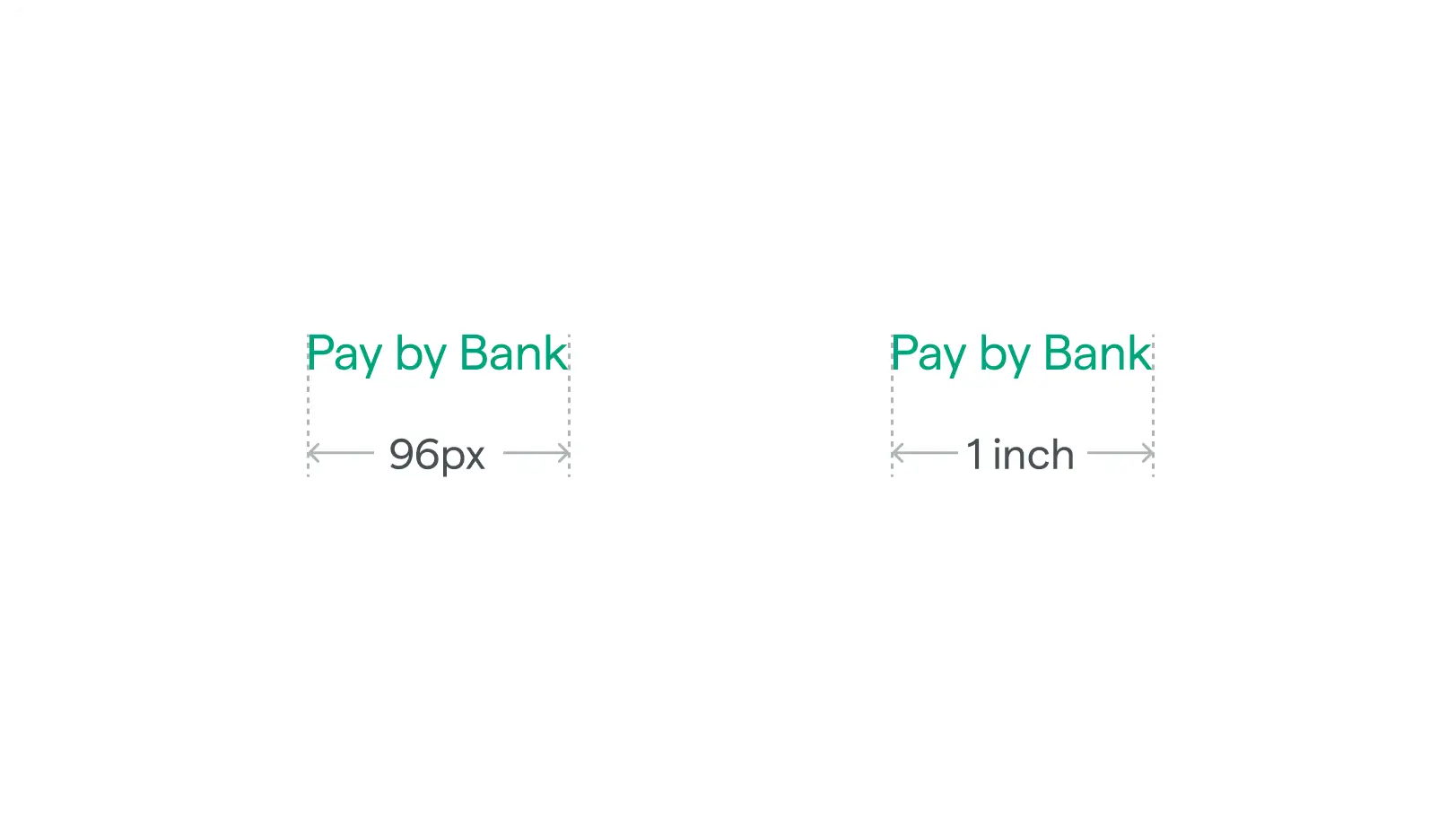
Keep the logo legible at small sizes. Digital: 126px wide @ 72 DPI. Print: 1″ wide @ 300 DPI.
Incorrect usage
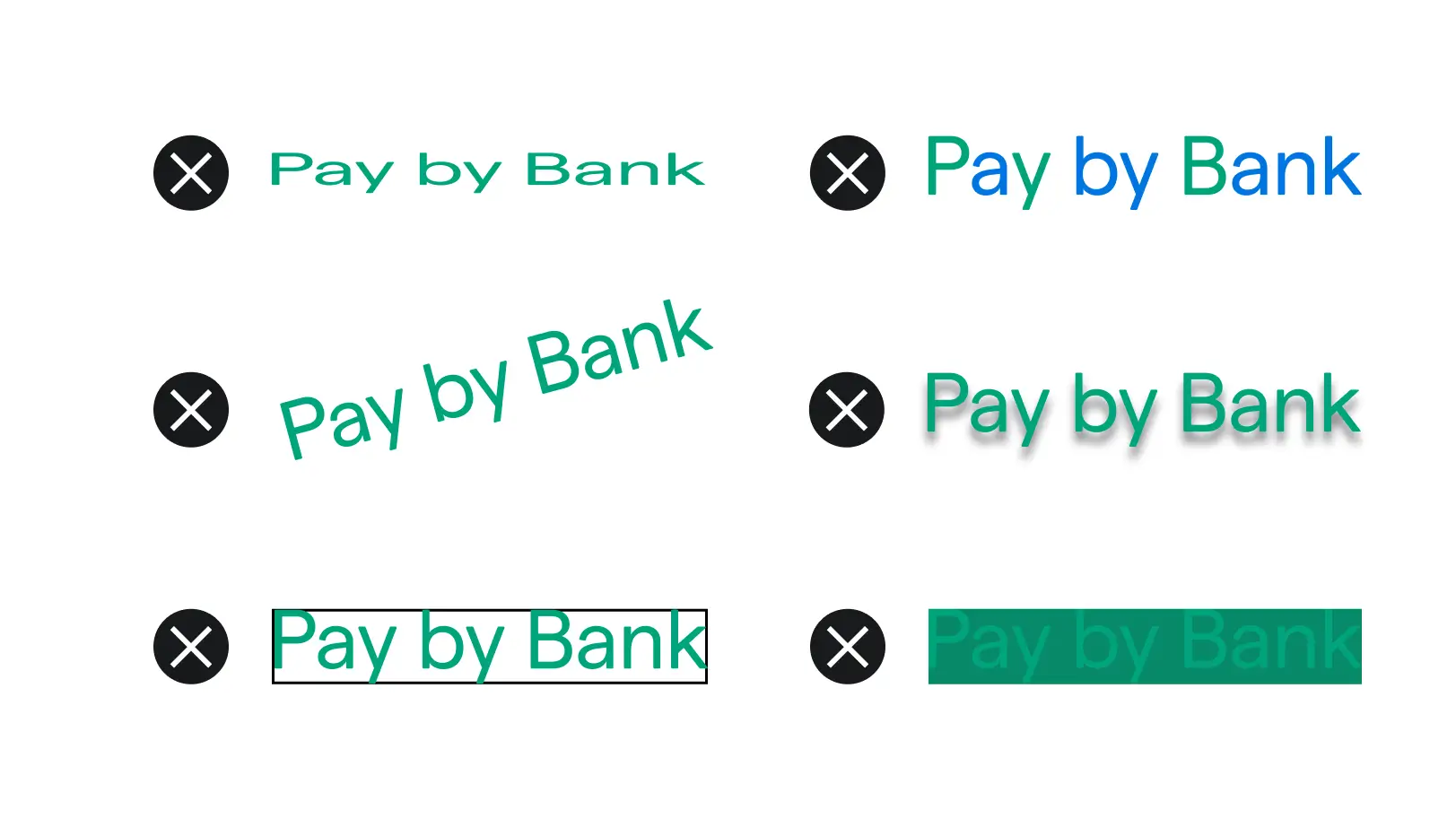
Don’t alter, recolor, stretch, rotate, or add effects to the logo. Always use the approved artwork exactly as provided.
Do
- Only use logos provided by Dutchie
- Use the logo when promoting Pay by Bank among your customer base
- In your messaging, use your own brand’s typical font
- Spell “Pay by Bank” as two capitalized words in written marketing materials
Don’t
- Create your own version of the Pay by Bank logo
- Distort the logo in any way (flipping, rotating, animating)
- Alter the colors of the logo or add other visual effects
- Imitate Dutchie’s typography in your marketing communications
- Add more text to the logo itself
- Abbreviate the name Pay by Bank
- Spell “Pay by Bank” the way the logo is written


